
Download
One question before your download.
VetteALDL is free and stays free. Both buttons start the same download – just tell us which kind of download this is.
Downloading version
I support the developer
Opens Buy Me a Coffee in a new tab – any amount helps pay for parts, test cars and late nights – and starts your download here.
Support and downloadI'm downloading for free
No catch and no nagging. If VetteALDL saves you a trip to the shop, you can always come back later.
Download for freeNothing is stored about you – we only count downloads.
Your download is starting. If it doesn't, use the button below.
Almost ready
The first public beta is being finished. Come back soon – the download will appear right here.
Install in a minute
- Run VetteALDL-Setup – it installs for your Windows user, no administrator rights needed.
- Allow the one Windows prompt for the cable driver – FTDI's signed driver comes with VetteALDL.
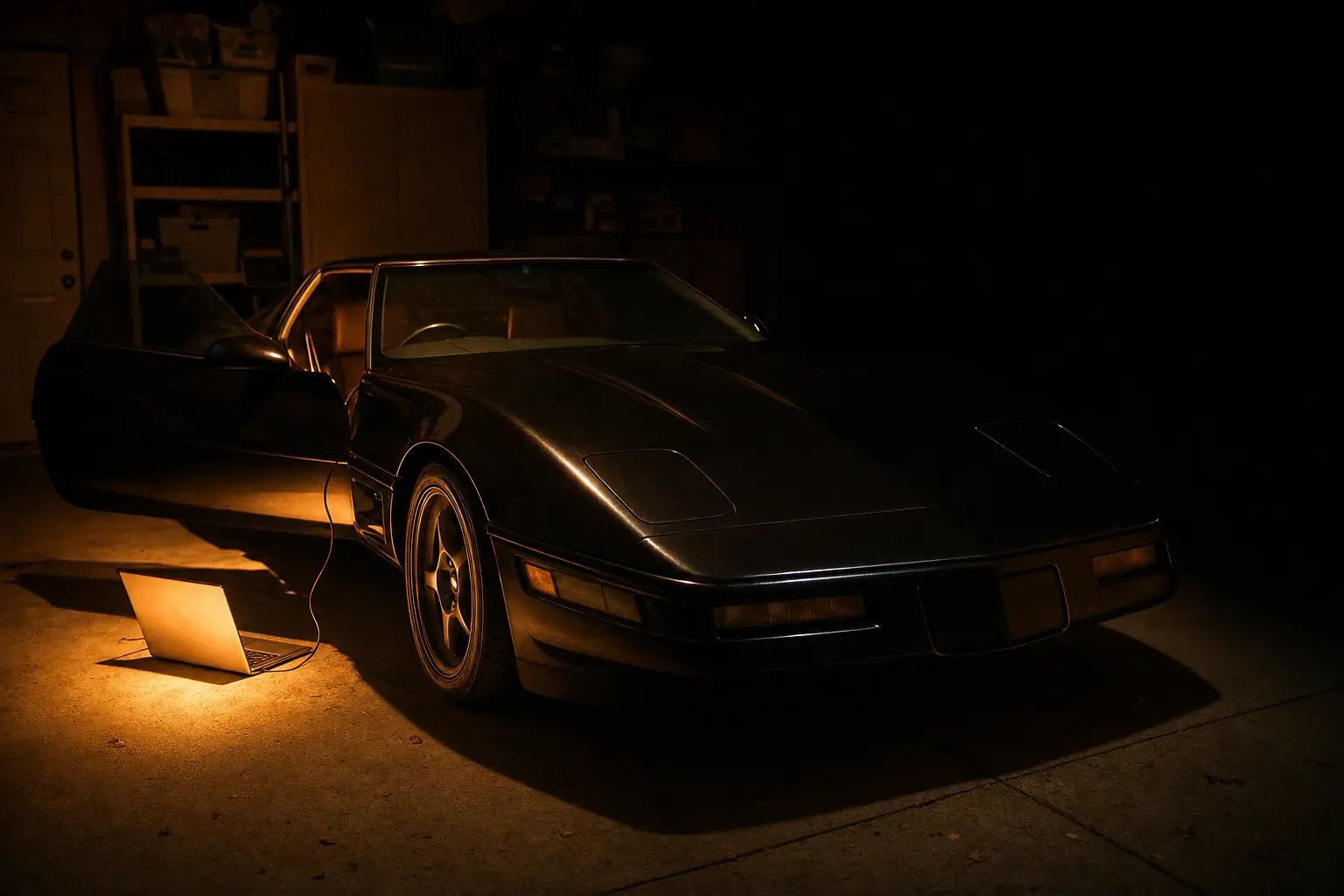
- Plug the cable into the laptop, then into the ALDL connector under the dash, and switch the ignition on.
- Press Connect – VetteALDL finds the cable, the driver and your engine computer by itself.
- The manual covers the connection procedure and every page of the app.
Windows SmartScreen may warn about a new program from a small publisher: choose More info → Run anyway. Compare the SHA-256 checksum below if you want to be sure the file is ours.
Previous versions
Older builds stay available – handy if a new beta misbehaves on your car. Please tell us when it does.
| Version | Released | Size | Downloads so far |
|---|